Chat with us, powered by LiveChat
Home > Corporate Data Backup > Enterprise Plugins > Hadoop HDFS Backup and Recovery Software

Protect Hadoop data lakes, research datasets and application exports with the Bacula Enterprise HDFS plugin. Run full, incremental and differential backups. Restore selected files to HDFS or to a local filesystem.

Connect to Hadoop from a Bacula File Daemon host and manage HDFS backup schedules, retention and monitoring alongside your other protected workloads.


Download Trial

Benefits of Bacula’s HDFS Plugin

Recover the files you need. Restore a deleted file or dataset without recovering the entire protected directory. Choose a separate destination when you need to validate the data before returning it to production.

Reduce repeat backup work. When a suitable prior snapshot is available, incremental and differential jobs use HDFS snapshot differences to identify changed files. This can reduce how much data each job needs to read and transfer.

Keep backup copies separate from Hadoop. Store Bacula backups outside the production HDFS cluster so you have a recovery copy if the cluster and its snapshots become unavailable.

Bring Hadoop into your existing backup operations. Schedule HDFS jobs, monitor their results and apply backup retention policies alongside the rest of your Bacula-managed infrastructure.

Key Features of Bacula’s HDFS Plugin

Backup Capabilities

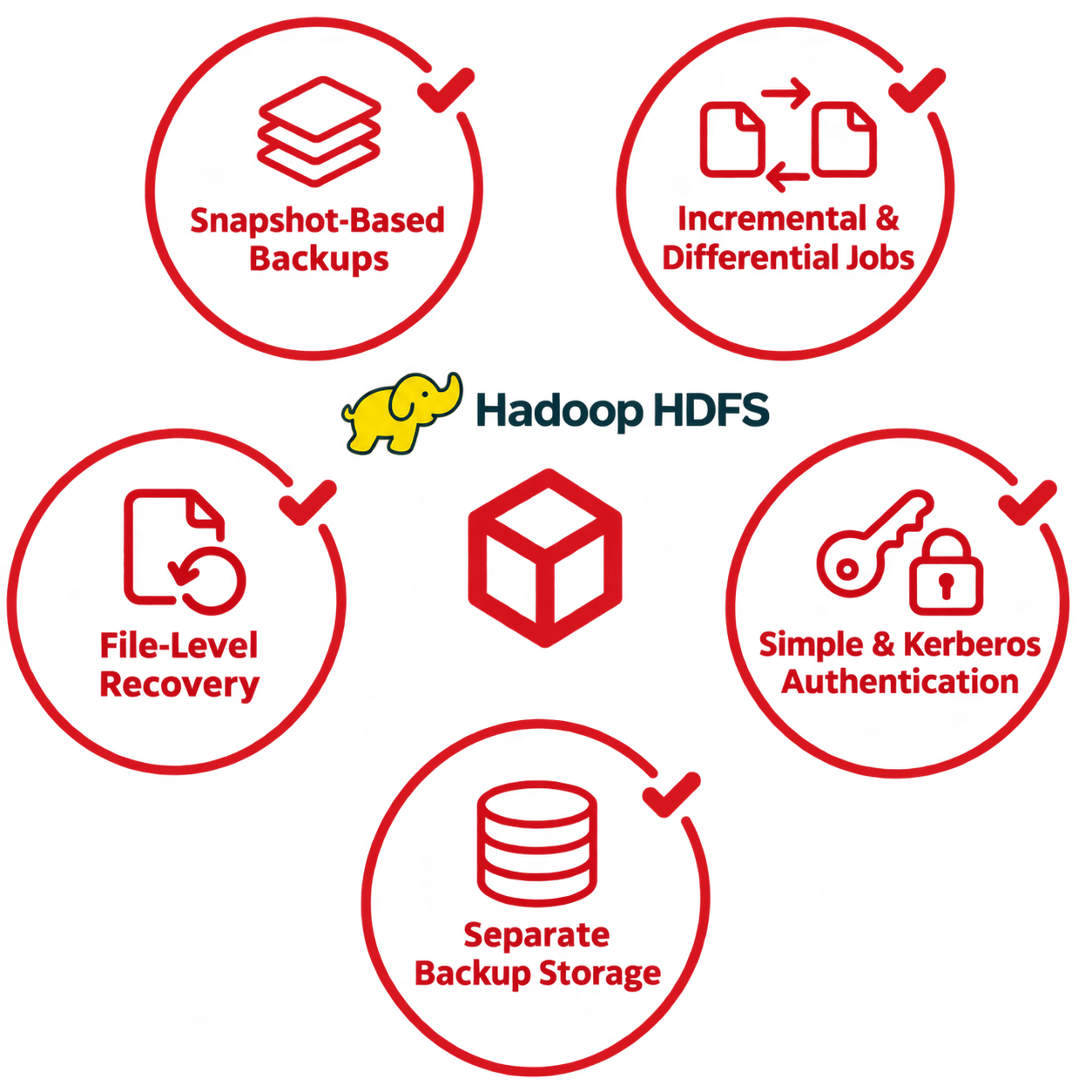
  • Snapshot-based full, incremental and differential backups. A full backup reads from a snapshot of the configured HDFS directory. Incremental and differential jobs compare snapshots. If the plugin cannot find the prior snapshot it needs, it falls back to a full scan of the current snapshot.
  • File and path filters. Use glob patterns or regular expressions to include critical files and paths or exclude temporary and reproducible data.
  • Configurable snapshot management. Choose the HDFS directory to snapshot and whether Bacula keeps the snapshot after the job. List snapshot-enabled directories and query their snapshot inventories.
  • Tunable backup concurrency. Adjust worker concurrency and queue size to match available cluster and network capacity.

Recovery Capabilities

  • File-level restore. Select the files to recover and direct the restore to HDFS or to a local path on the File Daemon host.
  • Restore to a separate HDFS directory. For example, restore the files from a deleted Parquet partition to a staging directory in HDFS for validation before returning them to the production path.

Platform Requirements and Authentication

  • File Daemon deployment. The plugin requires Java 8 or later, network access to the HDFS cluster, and a snapshot-enabled base directory.
  • Simple and Kerberos authentication. Connect using the mode your Hadoop environment requires. Load Hadoop client configuration files and supply a principal and keytab for Kerberos.

Bacula Enterprise Cybersecurity Features

Secure the Hadoop connection and the infrastructure that holds your backups. Bacula Enterprise security options depend on your configuration, storage target and workload.

Architecture and Access Control

  • Isolate backup infrastructure. For stronger isolation, deploy the plugin on a dedicated File Daemon host with access to the required HDFS services. Keep backup storage separate and restrict access from the Hadoop production network.
  • Control who can operate backup and restore jobs. Use Bacula roles and permissions to limit who can run HDFS jobs, initiate restores or access backup resources. Enable multifactor authentication for supported administrative interfaces.

Immutability and Offline Copies

  • Immutable online backup copies. Use supported immutable disk or object storage to protect retained HDFS backup copies against modification or deletion.
  • Offline WORM tape copies. Write a secondary copy to supported write-once, read-many (WORM) tape. Eject the tape and store it offline to keep the copy out of reach of network-based attacks.

Authentication and Encryption

  • Hadoop connection security. Use Kerberos to authenticate the plugin to a Kerberos-enabled HDFS cluster. Configure encryption for that connection through Hadoop client settings.
  • Encryption for Bacula backups. Use TLS between Bacula components and configure encryption at rest for stored backup data.

Threat Detection

  • Monitor backup security with BGuardian. Use BGuardian to review the security configuration of the Bacula environment and flag unusual backup job behavior or weaknesses that could put recovery copies at risk.
  • Malware signature checks. Where configured for supported workloads, Bacula can compare file signatures against a database of known malware and flag matches for investigation.

What Every Bacula Enterprise Deployment Includes

The HDFS plugin is part of the Bacula Enterprise backup and recovery platform. Use the same management tools, storage policies and recovery processes across your protected infrastructure.

Backup Management and Administration

  • Centralized job administration. Configure backup schedules centrally, manage jobs in BWeb Management Suite and use Bconsole for command-line administration and automation.
  • Job reporting and history. Use BWeb to review job outcomes and historical backup statistics so you can spot recurring failures or changes in job duration.

Backup Storage and Copy Policies

  • Flexible backup storage. Choose supported disk, tape or cloud object storage based on recovery and retention requirements. Use copy jobs to maintain an additional backup on a separate storage tier or at another site.
  • Retention by storage pool. Set different volume retention periods for operational backup pools and longer-lived copies. Manage these separately from snapshot retention in HDFS.

Multi-Environment Backup Coverage

  • Coverage across your infrastructure. Protect physical servers, virtual machines, databases, containers and other supported workloads through the same platform, with dedicated integrations where available.
  • System recovery for Windows and Linux. Use Bacula Enterprise bare-metal recovery tools to rebuild supported Windows and Linux systems after a system failure.

Subscription and Support

  • Subscription pricing independent of data volume. Bacula Enterprise does not charge by protected terabyte. Ask Bacula which subscription tier and support level fit your deployment.
  • Technical support and software updates. Bacula Enterprise subscriptions include technical support, patches and version updates. Select a support tier that matches your operating requirements.

Frequently Asked Questions

What does the Bacula Enterprise HDFS plugin back up?

The plugin protects files stored in the Hadoop Distributed File System, such as data lake files, application exports and research datasets. Plan separate protection for Hadoop service configurations, external metastores and other components that your applications need to run.

Why back up Hadoop if HDFS already replicates data?

HDFS replication keeps data available when storage nodes fail. When Bacula stores a backup outside the production cluster, that copy can support recovery if the cluster and its snapshots are lost. Bacula uses HDFS snapshots as the point-in-time source for its backups.

What do I need to run the HDFS backup plugin?

Install the plugin on a Bacula Enterprise File Daemon host with Java 8 or later and network access to the HDFS cluster. Enable snapshots on the HDFS base directory selected for each backup job and give the backup identity the required permissions. For Kerberos, configure the relevant principals and keytab on the File Daemon host.

How do incremental and differential HDFS backups work?

Bacula creates a snapshot of the configured directory and compares it with a prior Bacula snapshot to identify changes. If that snapshot is unavailable, the job scans the full current snapshot. Keep the snapshots required by your backup schedule and manage Bacula backup retention separately.

Can I restore an individual HDFS file or recover it outside Hadoop?

Yes. Select the files you need and restore them to their original HDFS location, another directory in HDFS, or a local path on the File Daemon host.

Does the HDFS plugin preserve ACLs and extended attributes?

The current plugin does not capture HDFS access control lists (ACLs), extended attributes, file creation times, empty directories or directory attributes. If your recovery plan depends on any of these, document how you will recreate them and verify the process in a restore test.

Is the HDFS plugin available in Bacula Community?

The HDFS plugin is available with Bacula Enterprise. Share your Hadoop distribution, HDFS version and restore requirements with Bacula Systems to discuss compatibility and evaluation options.

Further Help on Hadoop Backup